How Servers and Crossplay Work
In the in-game menu, worlds can now be enabled as crossplay when you load them, and crossplay worlds will be shown in the world browser.
Players now have the option to make their worlds crossplay or not each time they host a multiplayer world, and dedicated servers now also have a crossplay option.
You can now join worlds through invite codes, which can be entered in the world browser screen and are shown in the in-game pause menu.
With public servers, you can join other people's games even if you're not friends with them, while private servers are invitation only, and the maximum number of players on each server is four.
The game does have full cross-play as an option, meaning you can play with friends whichever platform they're on, and you can choose whether to toggle cross-play on or off when you're creating a world.
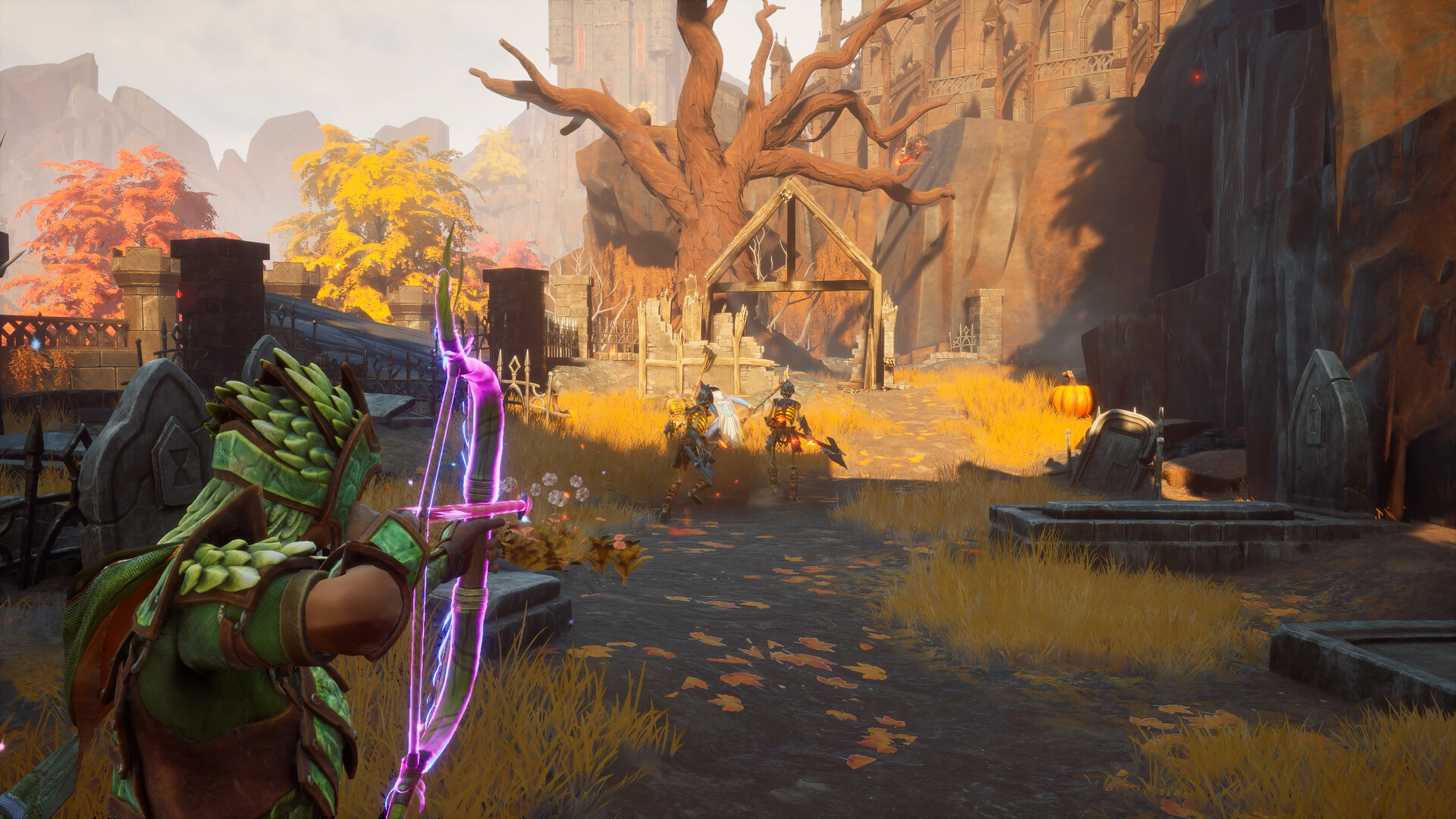
Gather your party and prepare to step forward into RuneScape: Dragonwilds alone, or with up to 3 friends, taking on the Dragon Queen and her brood to reclaim the land of Ashenfall.
In March, a Major Update launched support for Dedicated Servers alongside improved controller support and a ton of bug fixes, before the arrival of Fishing.
The Last Played tab in the Server Selection was fixed so it shows all previous server joins rather than only servers joined by that character.
A bug was resolved where Rune Vents would not properly show that they were depleted for clients in multiplayer worlds.
The roadmap has been shaped based on player feedback, leading to dedicated servers launching earlier than planned alongside new combat and new quest content.
Server Questions Answered
- What is the difference between public and private servers?
- With public servers, you can join other people's games even if you're not friends with them. Private servers are invitation only, and the maximum number of players on each server is four.
- How do I join a world using an invite code?
- You can now join worlds through invite codes. Invite codes can be entered in the world browser screen, and are shown in the in-game pause menu.
- Can I turn crossplay on or off for my world?
- Yes. In the in-game menu, worlds can now be enabled as crossplay when you load them, and players now have the option to make their worlds crossplay or not each time they host a multiplayer world. Dedicated servers now also have a crossplay option.
- How many players can join a single server?
- The maximum number of players on each server is four, so you can adventure alone or with up to 3 friends.
